
T&See
A browser extension that scans Terms and Conditions and Privacy Policy pages and gives an overview of whether it is safe to browse.
My Role: UX Engineer
Client: Passion Project
Timeline: One week
Tools: Codex, VS Code, Figma, ChatGPT

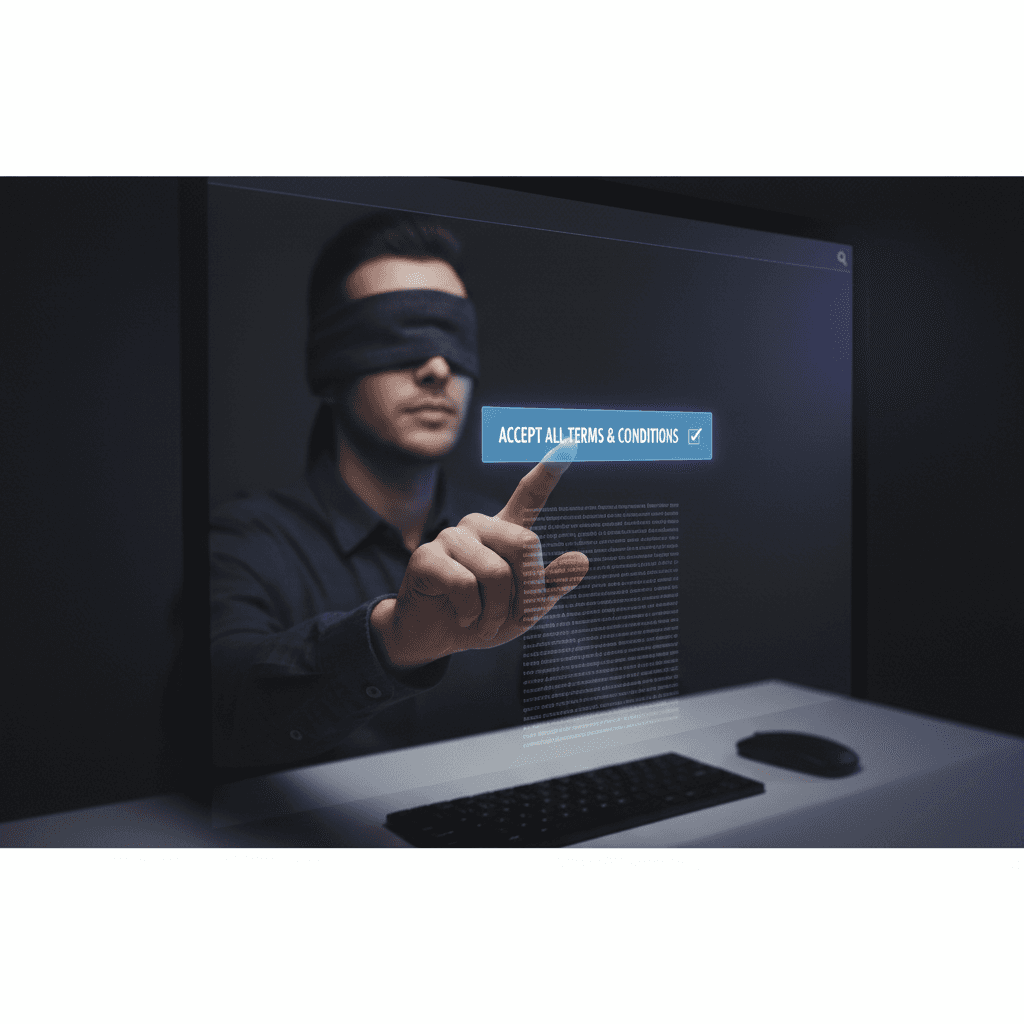
"I agree to the Terms and Conditions."
This the biggest lie on the internet. We’ve all clicked that checkbox without reading a single word. But why?
Core Issues
Long Pages
Most policies are 50+ pages. For an average user, reading these for every website they browse would take hundreds of hours a year!
Hidden Information
Users are unaware of where their data goes or what rights they are signing away because those details are buried deep inside these pages.
Low Stakes
Many users feel that for "low-stakes" apps (like a restaurant or shopping sites), the risk is not worth the efforts of reading.
I wanted to bridge the gap between "blindly accepting" and "being informed" by creating a tool that does the heavy lifting for the user.
Enter T&See
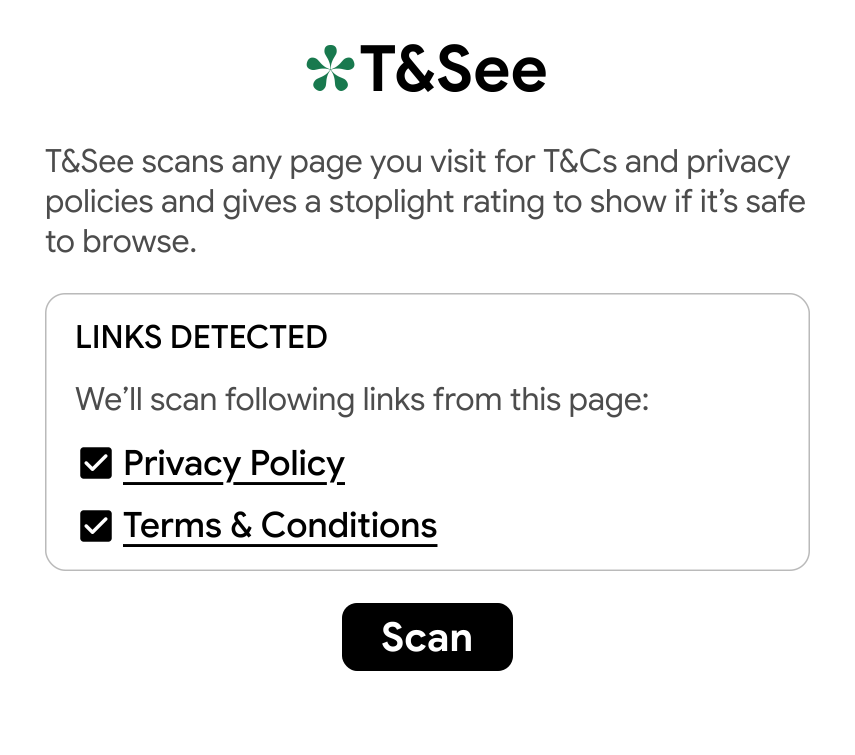
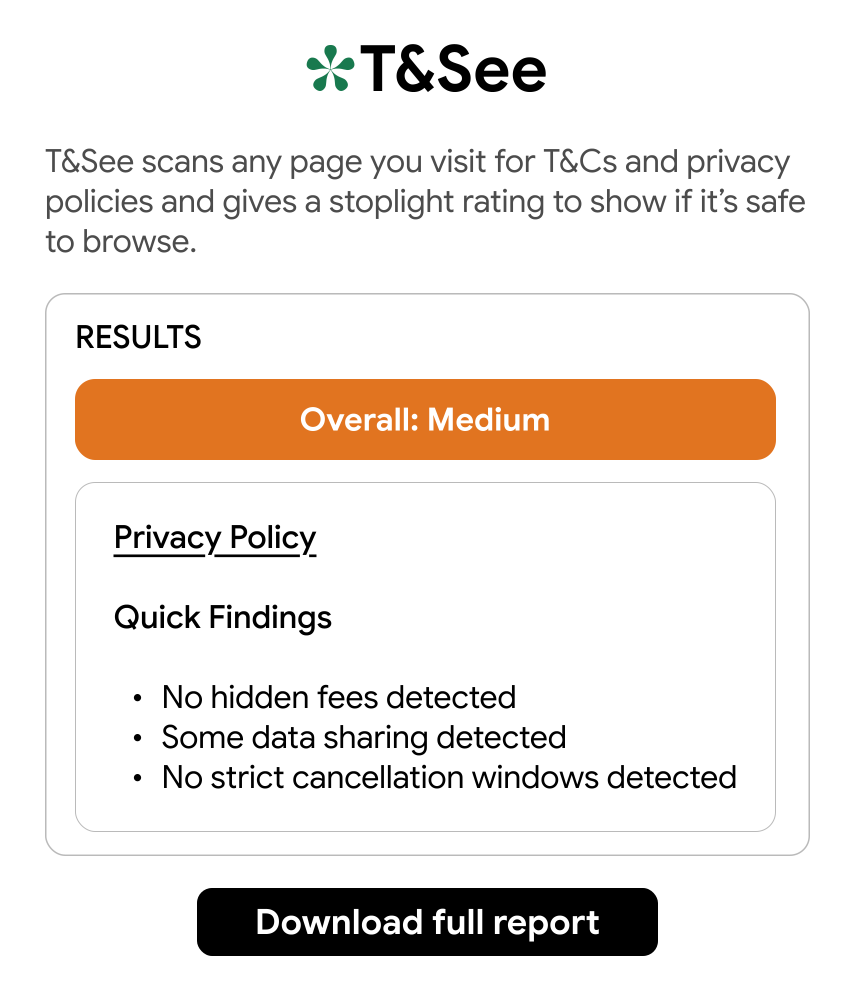
Instead of making people read these pages, I built a tool to meet them where they are. A tool that gives you a brief summary of the document within seconds. T&See uses AI to quickly scan and provide three quick findings and also gives an overall status None, Medium or High risk.
Surprisingly, there are no existing tools that automate this!!
Before diving into this I did some research and competitor analysis and found out that there are only 3 possible competitors and all of them have limitations. Not a single one is designed for average internet bowser.
The Making of T&See
A big part of this browser extension is Browser-use. I came across this tool during a hackathon. The primary focus of Browser-use is to generate APIs for anything. I wanted to build something that'll show that this product can be used by non-developers as well expanding their customer base.
So, I started learning how Browser-use works, what are APIs and how to integrate it in my project, and how to develop a browser extension.
I generated an API for reading these pages using Browser-use and then integrated that with the browser extension. This API was then added to the front-end of T&See to scan real-time data and generate a quick summary.


Core Features of T&See
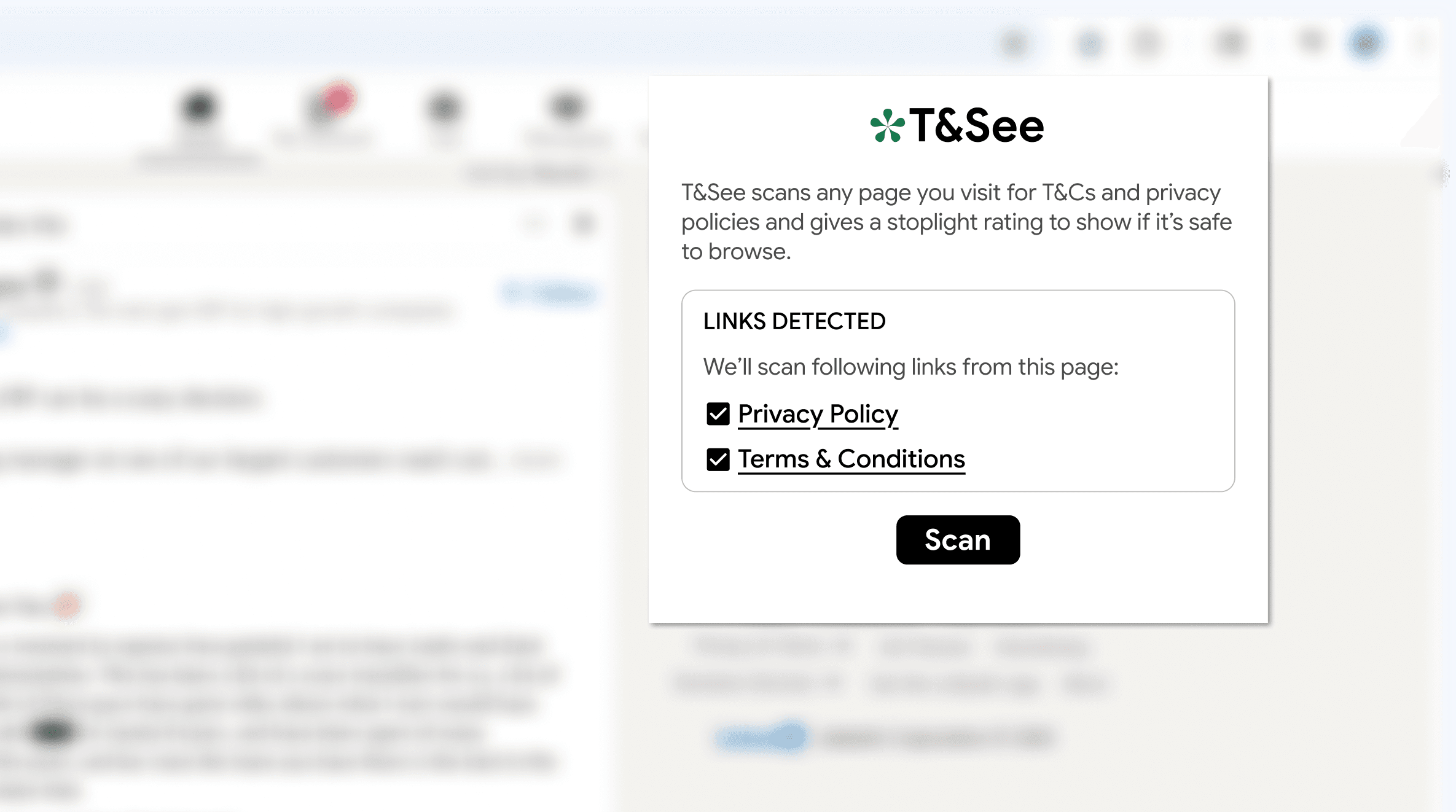
A pop-up to show detected links
Fast: Scans under 20 seconds.
Ease: Generates an easy-to-scan summary.
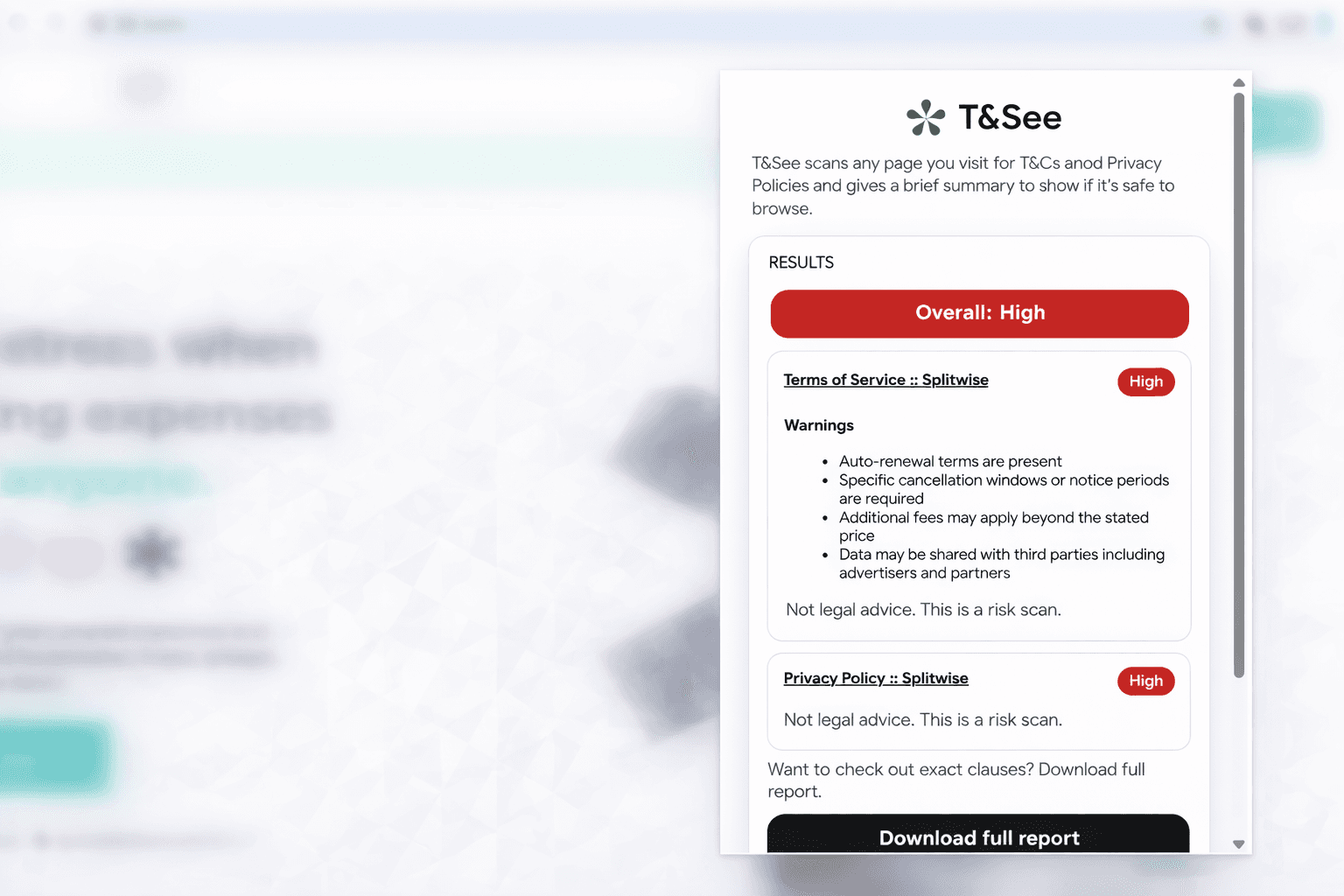
Ease: Download and save reports for future references.
My Learnings
I learned what APIs are and how to integrate it with the front-end code.
Designed a browser extension for the first time.
Experimented with codex.
Vibe-coded the entire product in 7 days and felt amazing!